Problems I solved directly.
jacobian ik · bim cross-section · editor tooling · hardware sync
These are modules I built when off-the-shelf tools did not cover the delivery requirement. OVERVIEW shows the result; DEEP explains why I built it and how it works.
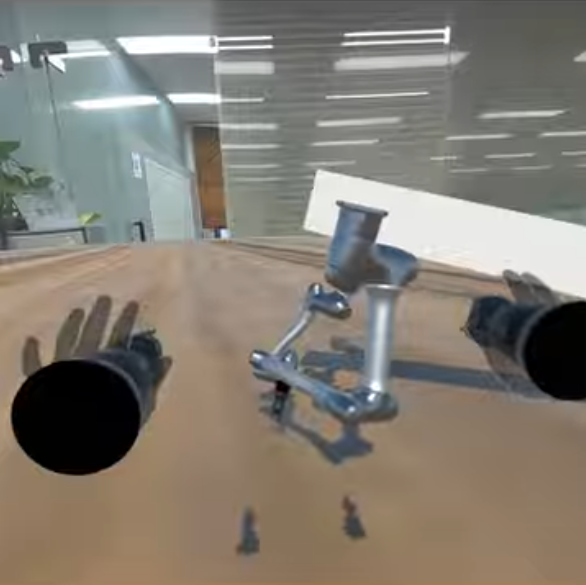
In-house Jacobian IK solver.
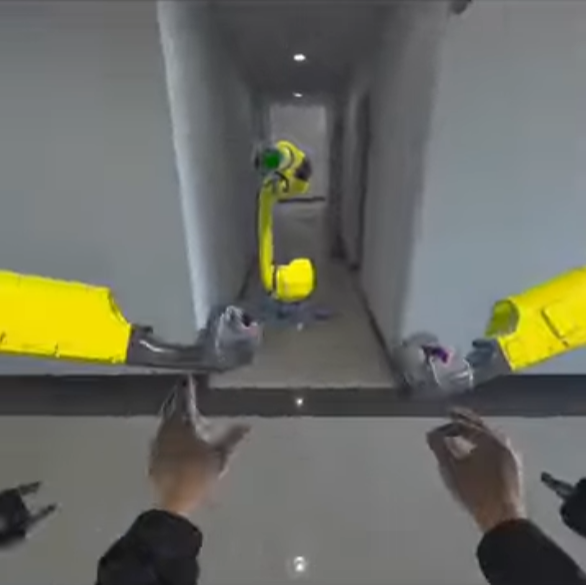
An inverse-kinematics solver for controlling an industrial 6-axis robot in real time from 6-DOF VR controller input. I built stable behavior that does not diverge near singularities, while reducing the dependency on RoboDK.
Related case · VR RobotGiven a target pose (TCP), you have to solve backward for each joint angle — but the solution may be multiple or non-existent. Especially near a singularity, where the arm stretches into a straight line, a pure matrix-inverse approach makes joint velocities blow up and the robot jerks. Depending on an external solver (RoboDK) every frame also hurt real-time performance and portability.
I solved it with Damped Least Squares rather than the Jacobian transpose. As the configuration approaches a singularity, I raise the damping, trading a little accuracy so the solution does not diverge. VR input maps directly to the solver's target pose, and invalid commands are filtered out before they reach the robot.
- [x]Stable tracking near singularities, without divergence
- [x]Ported to an in-house solver that reduces RoboDK dependency
- [x]VR 6-DOF · TCP tracking · validated on multiple robots
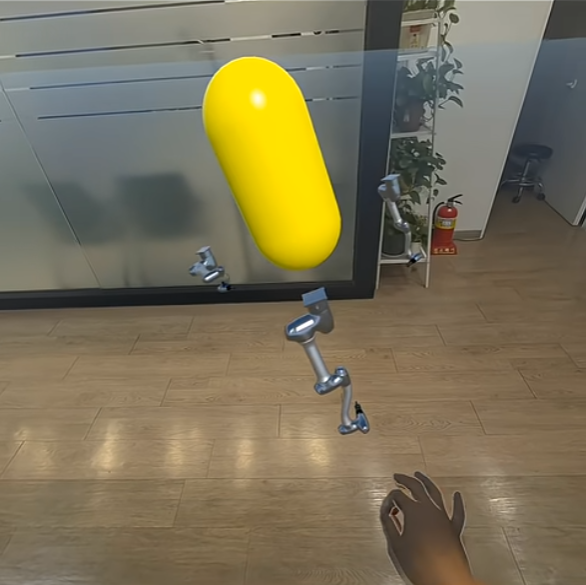
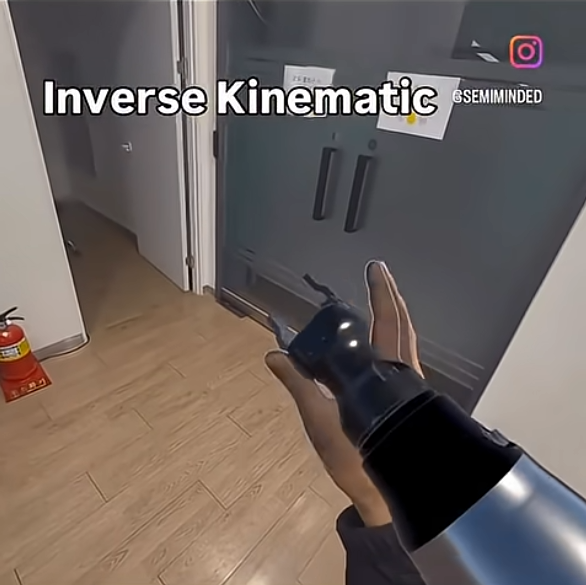
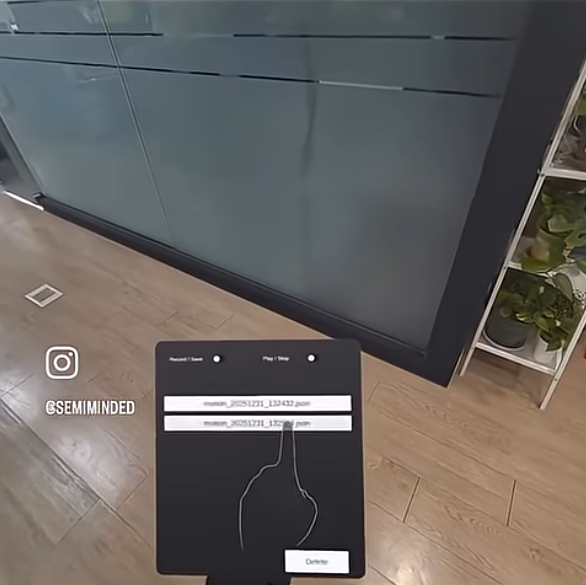
Runtime cross-section engine.
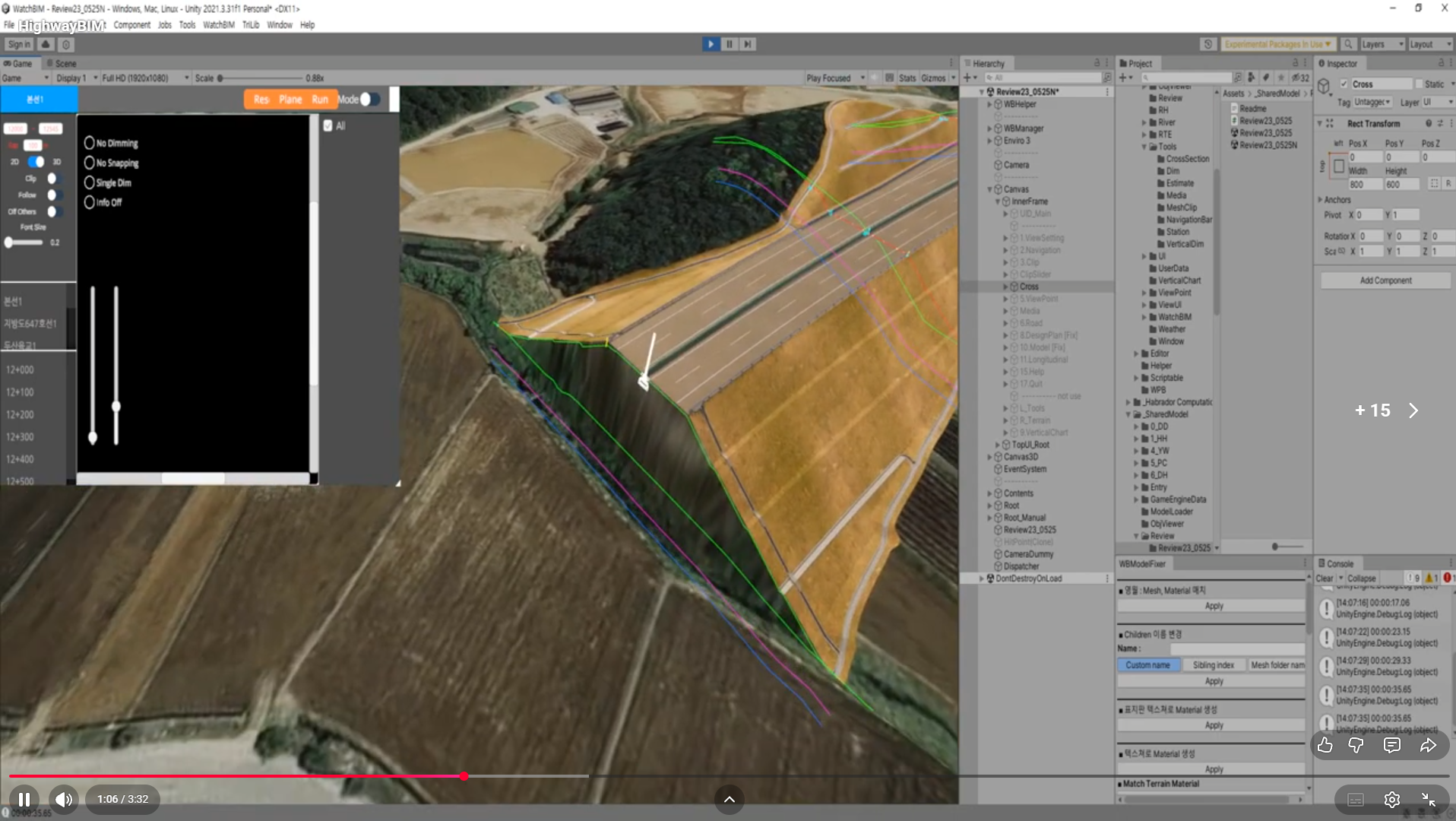
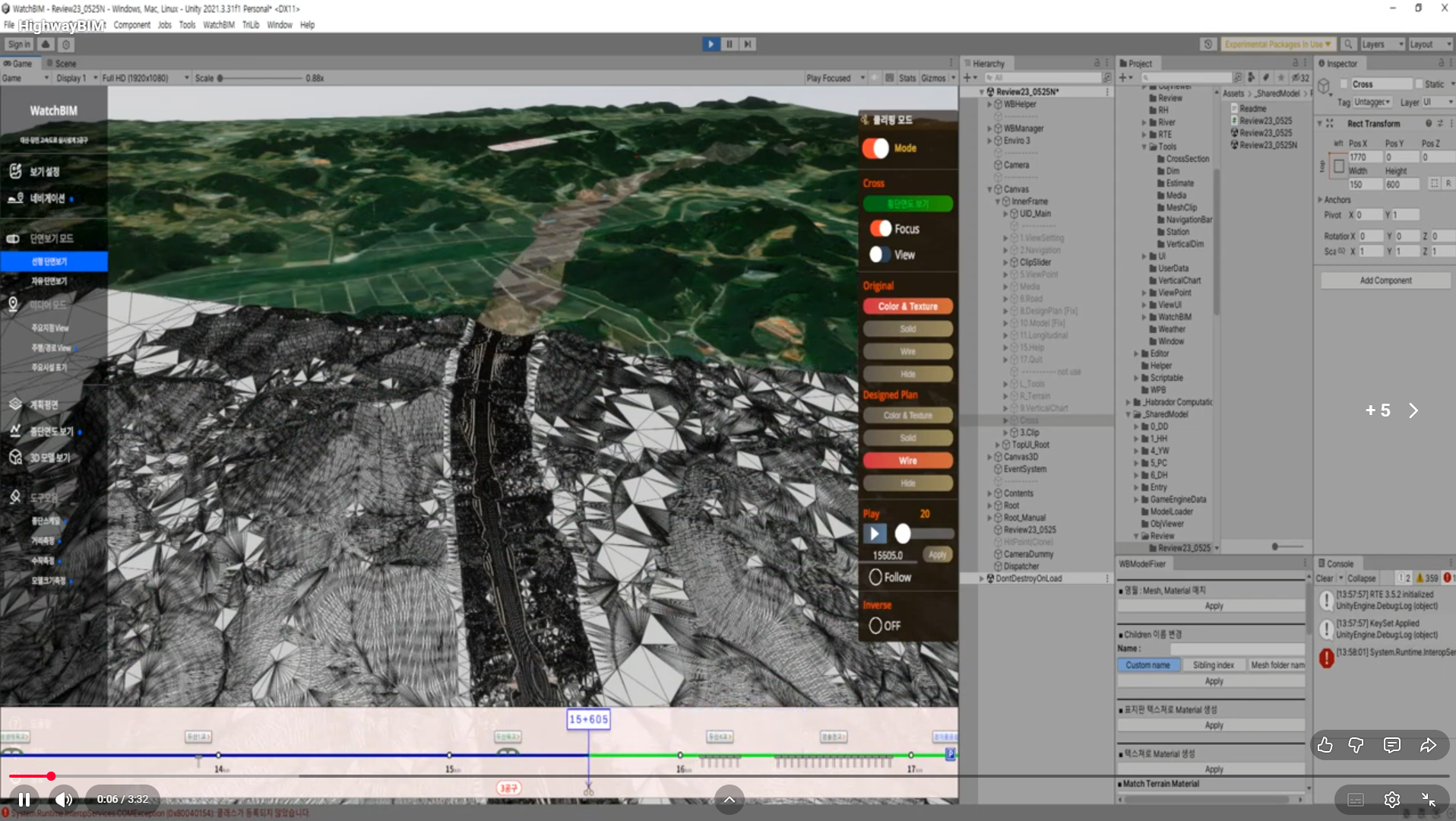
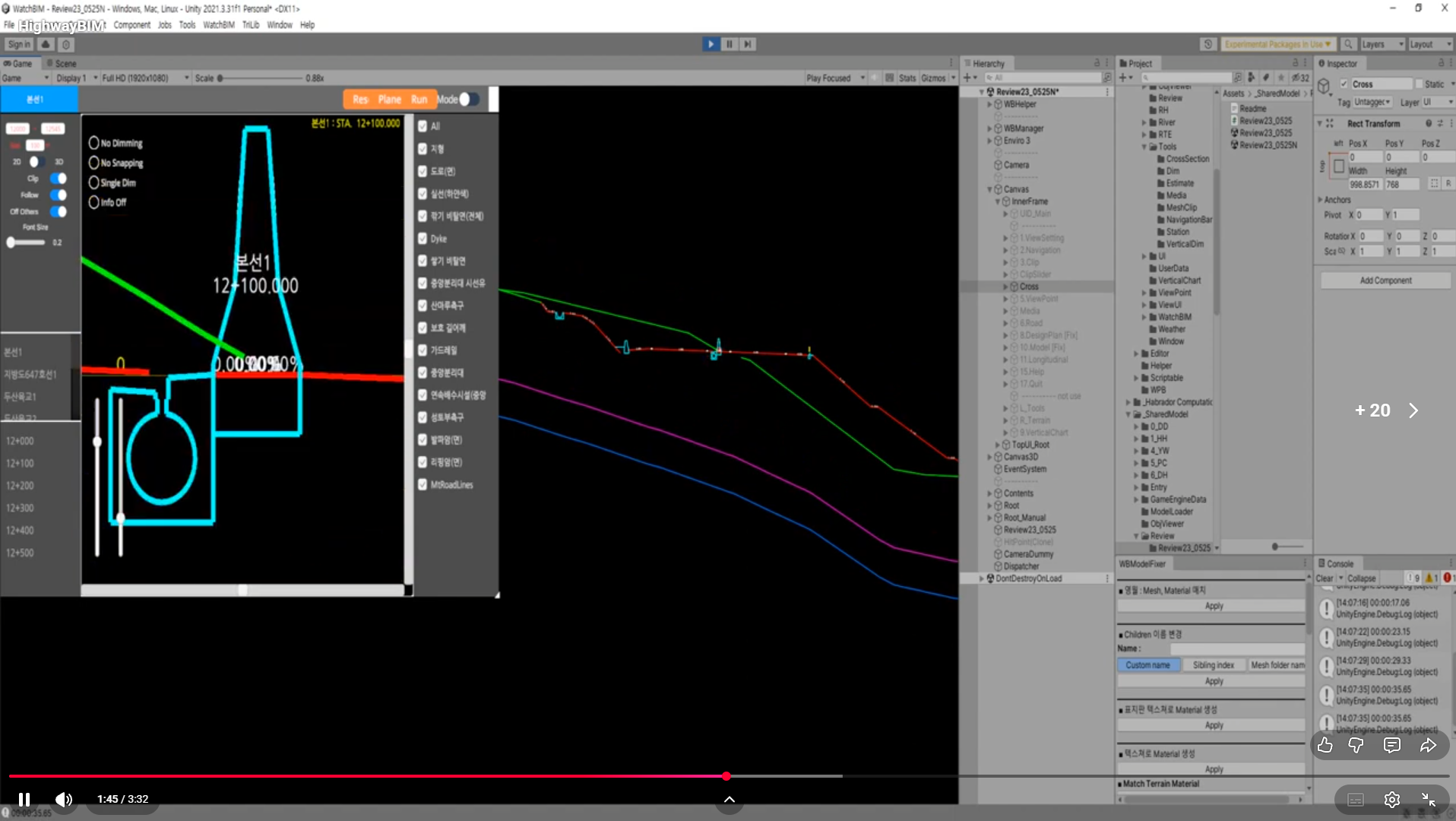
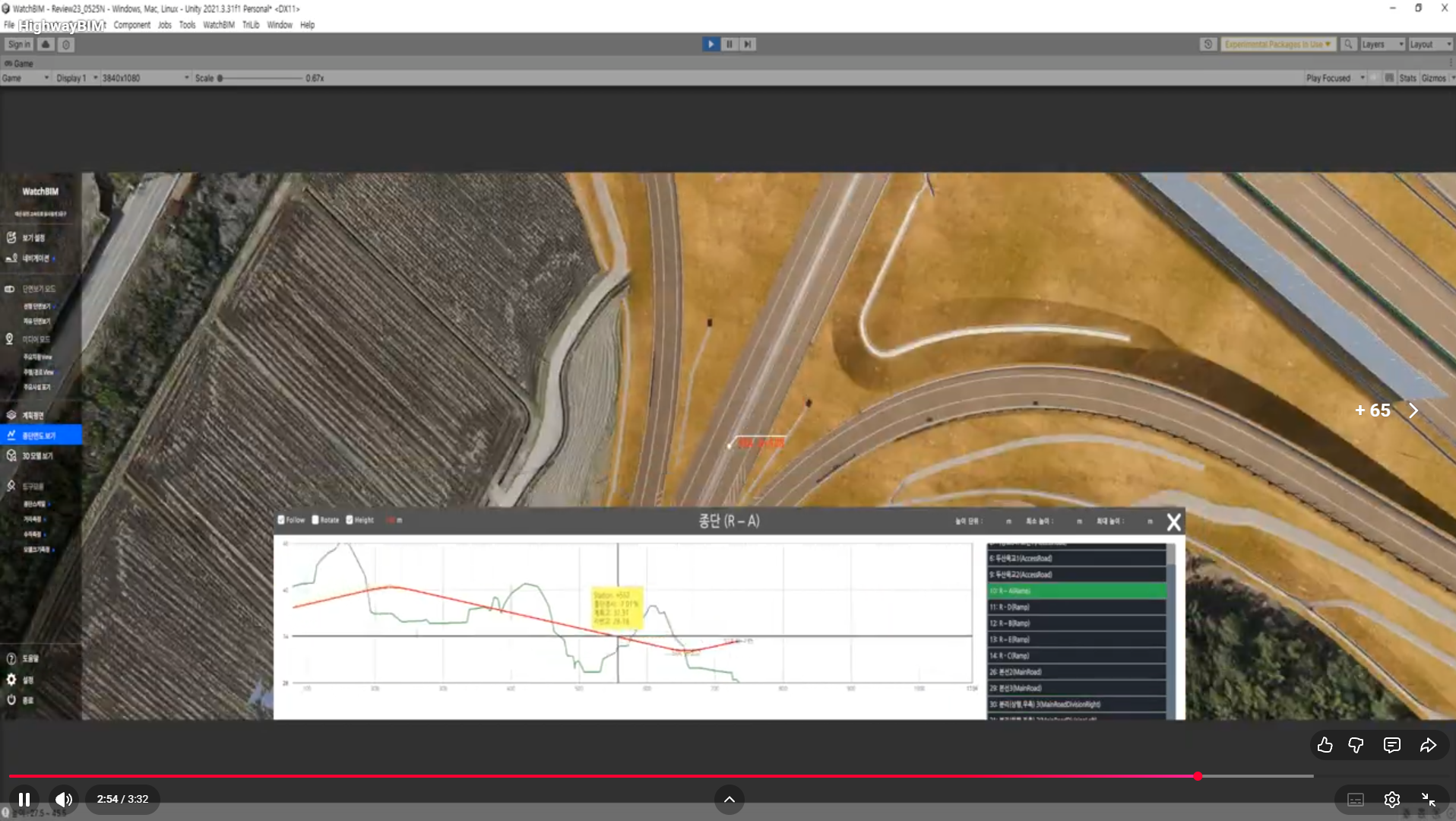
An operational need that off-the-shelf BIM tools could not meet — I built the ability to generate a cross-section from any plane at runtime and to measure and analyze the result in a 2D viewer. For picking and hover on large models, I used a custom hit engine instead of the standard Raycast.
Related case · WatchBIM
Operators say, "I want to cut here, see the cross-section, and measure dimensions," but ordinary BIM viewers do not provide runtime cross-section generation or real-time 2D analysis. On top of that, on large models reliable selection was hard with the standard Physics.Raycast alone.
Off-the-shelf BIM tools fell short here, so I wrote the geometry I needed. The 2D segment-intersection test is implemented with an orientation (cross-product sign) method, and mesh cutting/clipping is built on a computational-geometry library (Habrador — cut-mesh-with-plane · polygon clipping · ear-clipping triangulation). Large vertex passes are parallelized with the Unity Job System and Burst, and the 3D model and 2D viewer share one data model.
// 2D segment-intersection test — orientation (cross-product sign)
int Orient(Pt p, Pt q, Pt r) {
    float v = (q.Y - p.Y) * (r.X - q.X) - (q.X - p.X) * (r.Y - q.Y);
    return v == 0 ? 0 : (v > 0 ? 1 : 2);     // collinear / CW / CCW
}
bool IsIntersect(Pt p1, Pt q1, Pt p2, Pt q2) {
    int o1 = Orient(p1,q1,p2), o2 = Orient(p1,q1,q2);
    int o3 = Orient(p2,q2,p1), o4 = Orient(p2,q2,q1);
    return o1 != o2 && o3 != o4;              // (+ collinear special cases)
}
// mesh cut & triangulation: Habrador (cut-mesh-with-plane, ear-clipping)
// large vertex passes: Unity Job System + Burst
- [x]Runtime cross-section on any plane + highlight
- [x]Linked 3D ↔ 2D viewer for measurement and analysis
- [x]Custom hit engine · vertical graph ·
HMMouseControllercamera
Tooling for non-developers.
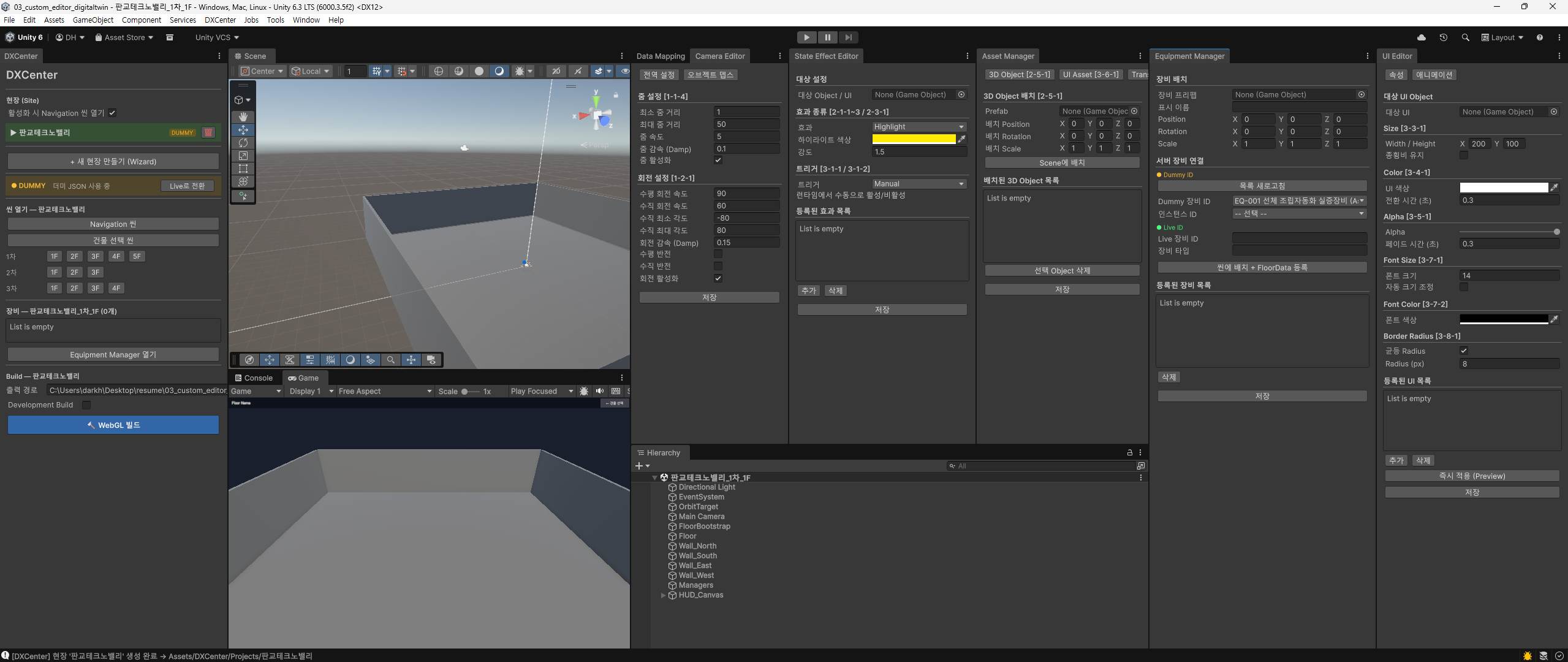
Developers were repeating data mapping, asset registration, and validation whenever the content changed. I built nine EditorWindows so content authors and operators could handle those jobs without opening the code.
Related case · DX CenterIn exhibition and digital-twin operations, the same manual work (data mapping, asset registration, lineup swaps) kept repeating, and a developer had to step in every time. If operators cannot do it themselves, it is not a tool but a bottleneck.
I made separate screens for data mapping, asset registration, lineup changes, and validation. EditorWindow, SerializedObject, and custom inspectors map external data to scene objects; the same window validates changes and registers Undo before applying them.
// core pattern of a non-developer EditorWindow
public class DataMapperWindow : EditorWindow {
    [MenuItem("DXCenter/Data Mapper")]
    static void Open() => GetWindow<DataMapperWindow>("Data Mapper");

    void OnGUI() {
        foreach (var row in mapping)                 // external data → scene object
            row.target = (GameObject)EditorGUILayout.ObjectField(
                row.key, row.target, typeof(GameObject), true);

        if (GUILayout.Button("Validate & Apply") && Validate(mapping)) {
            Undo.RecordObjects(Targets(mapping), "Apply Mapping");
            Apply(mapping);                          // serialize · save
        }
    }
}
- [x]Nine EditorWindows split mapping, registration, and validation
- [x]Content authors create and operate without code
- [x]Buttons handle validation, bundling, and delivery preparation
Moving platform, safety interlock.
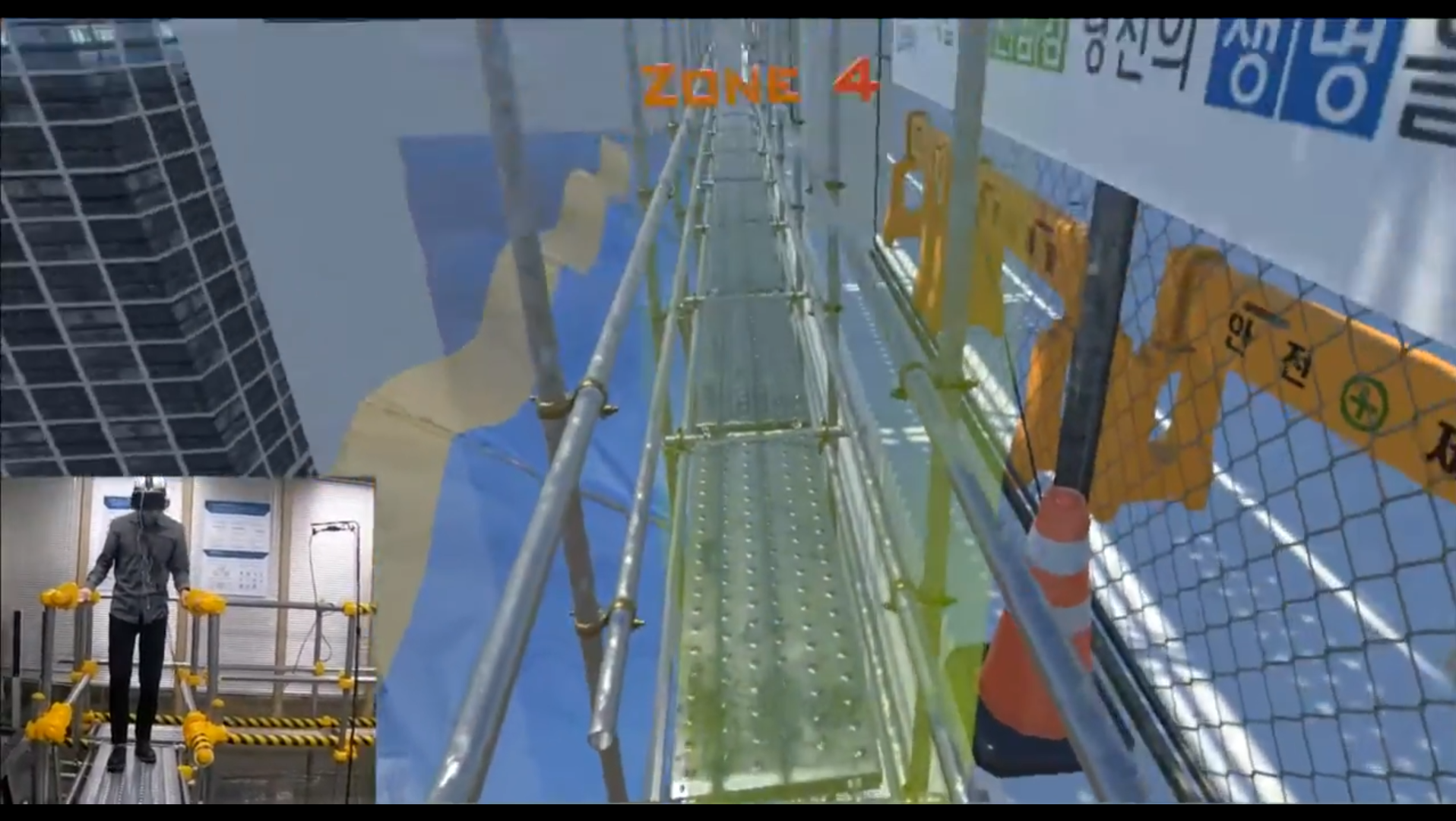
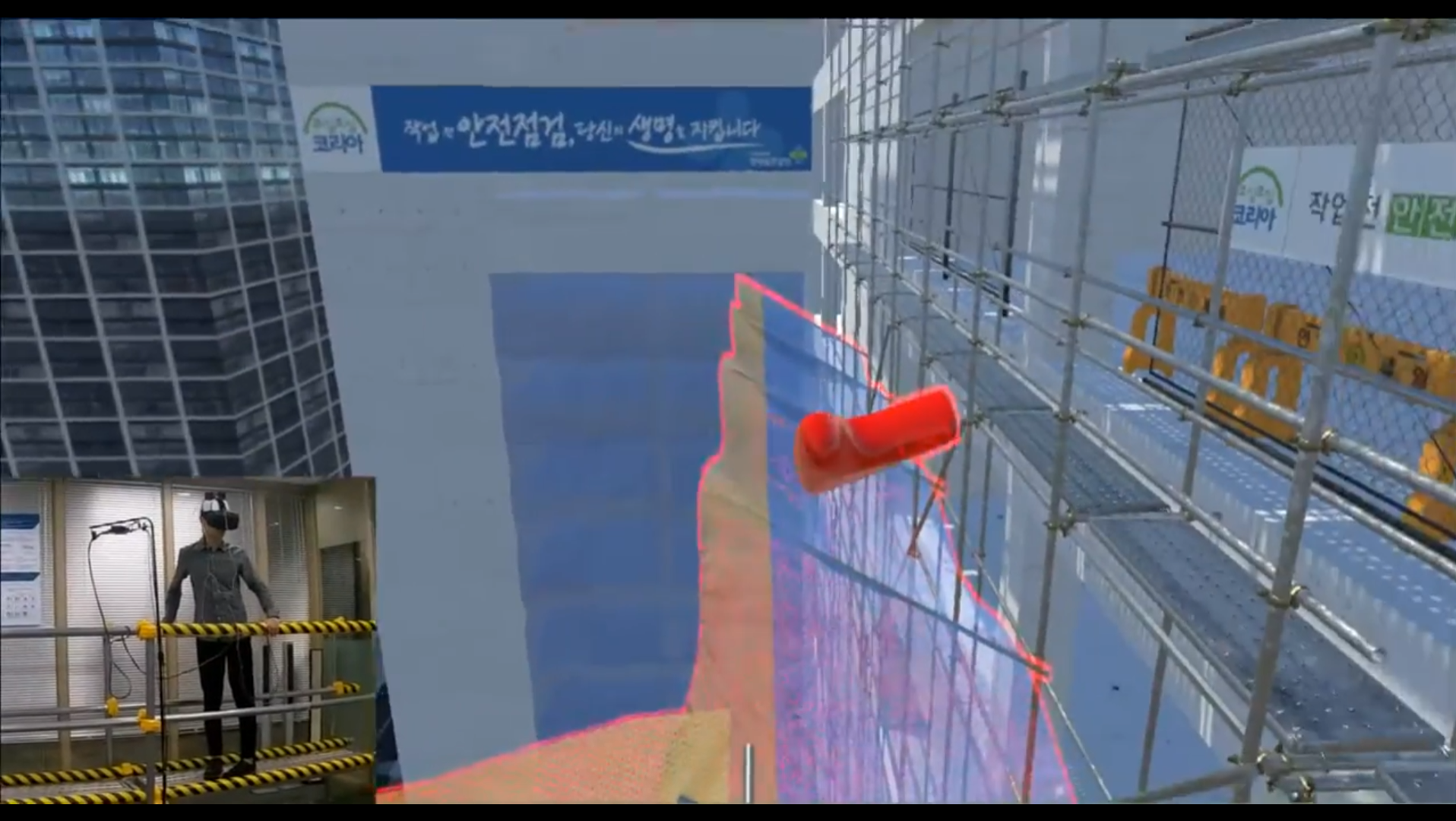
To shake a scaffold inside VR and make the fall hazard felt, we needed a platform that actually moves. I designed and built a dual-axis scaffold rig myself, synchronized its motion with Unity input, and owned the operator safety interlock as well.
Related case · VR SimulatorsSoftware alone cannot train "shaking" and "the sense of losing balance." But once you add a physical rig, the moment the hardware motion and the VR view drift apart, motion sickness and accident risk appear. We needed to align the two precisely and to stop instantly when something goes wrong.
I designed a 2-axis motion platform and synchronized the hardware sensors/actuators with the Unity simulation in a single loop. The view and the platform tilt move on the same timeline, and I added a safety interlock that stops from both software and hardware when the operating range is exceeded.
Two-axis tilt sensor + actuator. Designed and built in-house.
Platform tilt ↔ VR view aligned on the same timeline.
Stops instantly from both SW and HW when the operating range is exceeded.
- [x]Delivered to Samsung · LG · POSCO safety experience centers
- [x]Established a delivery unit of SW + HW + operations combined (4 cycles)
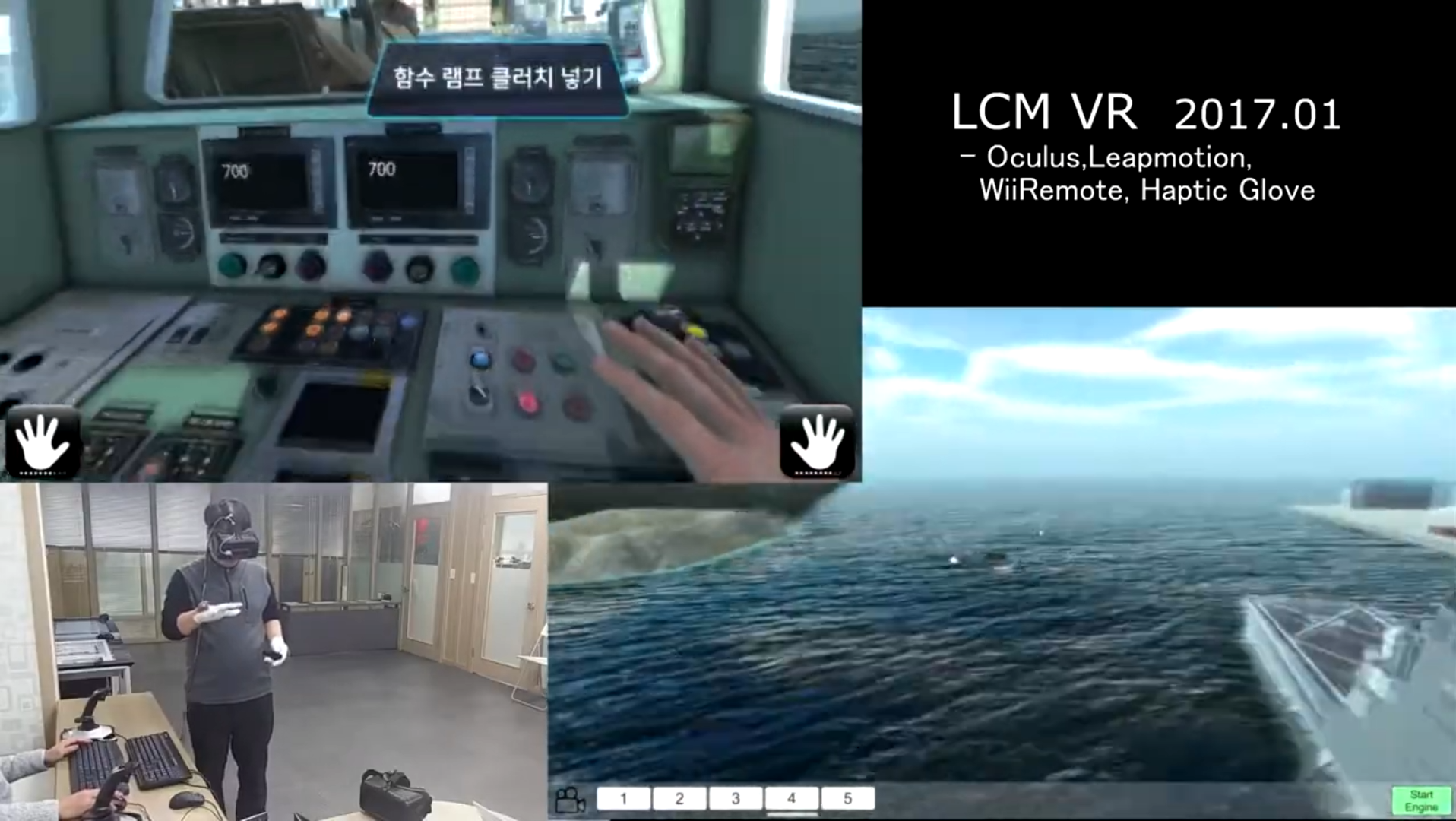
- [x]Extended to hardware-input sync such as the LCM cockpit

Live generative-AI exhibition pipeline.
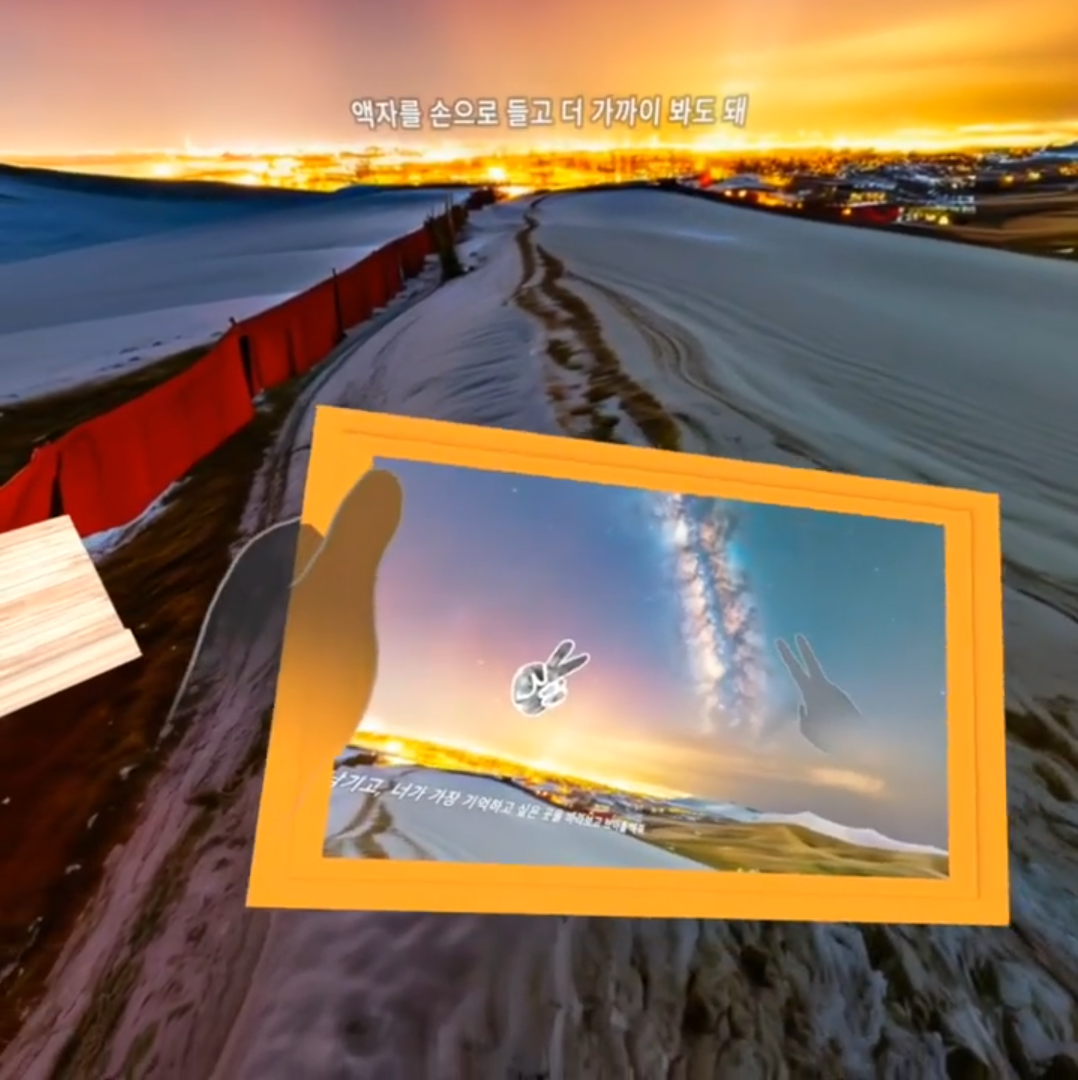
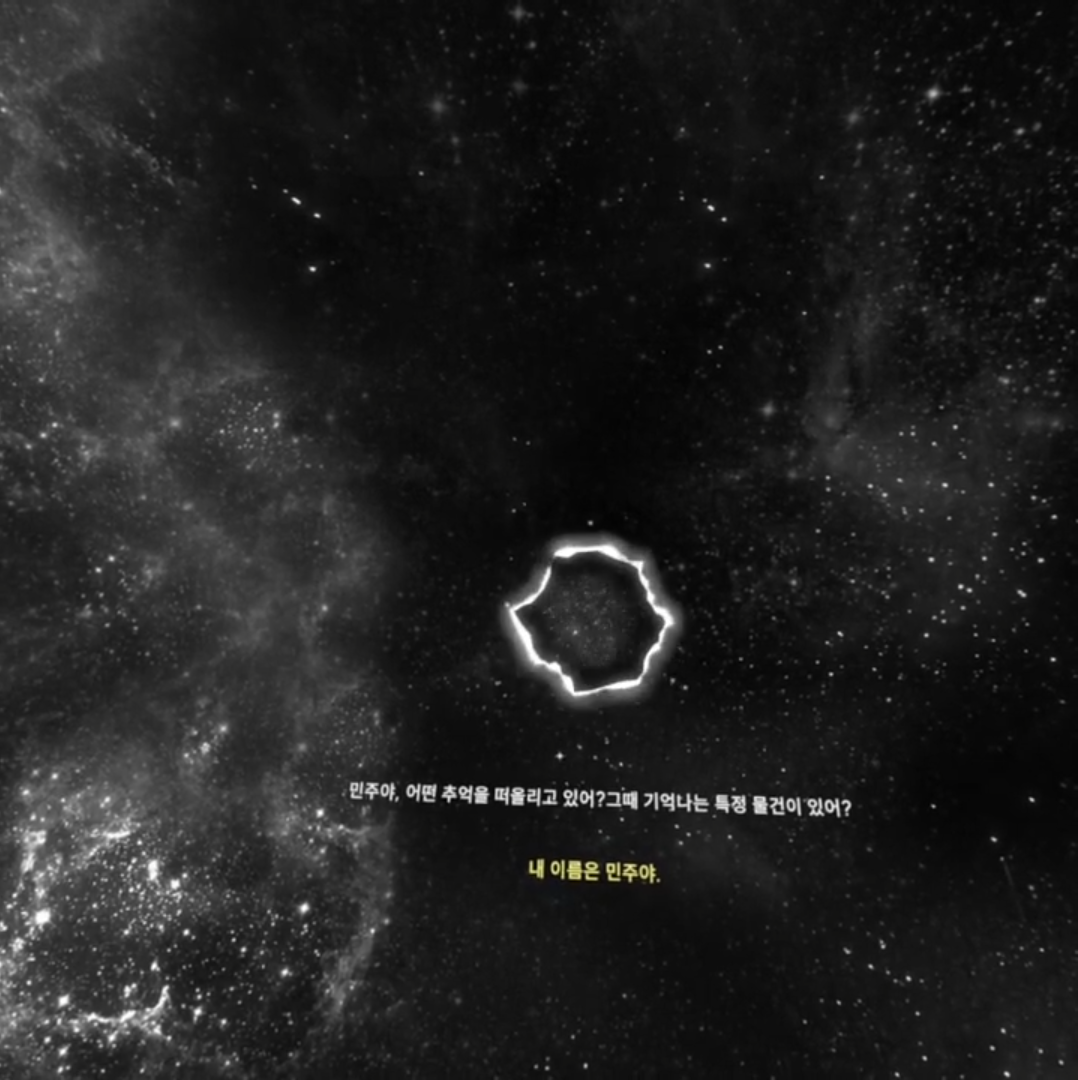
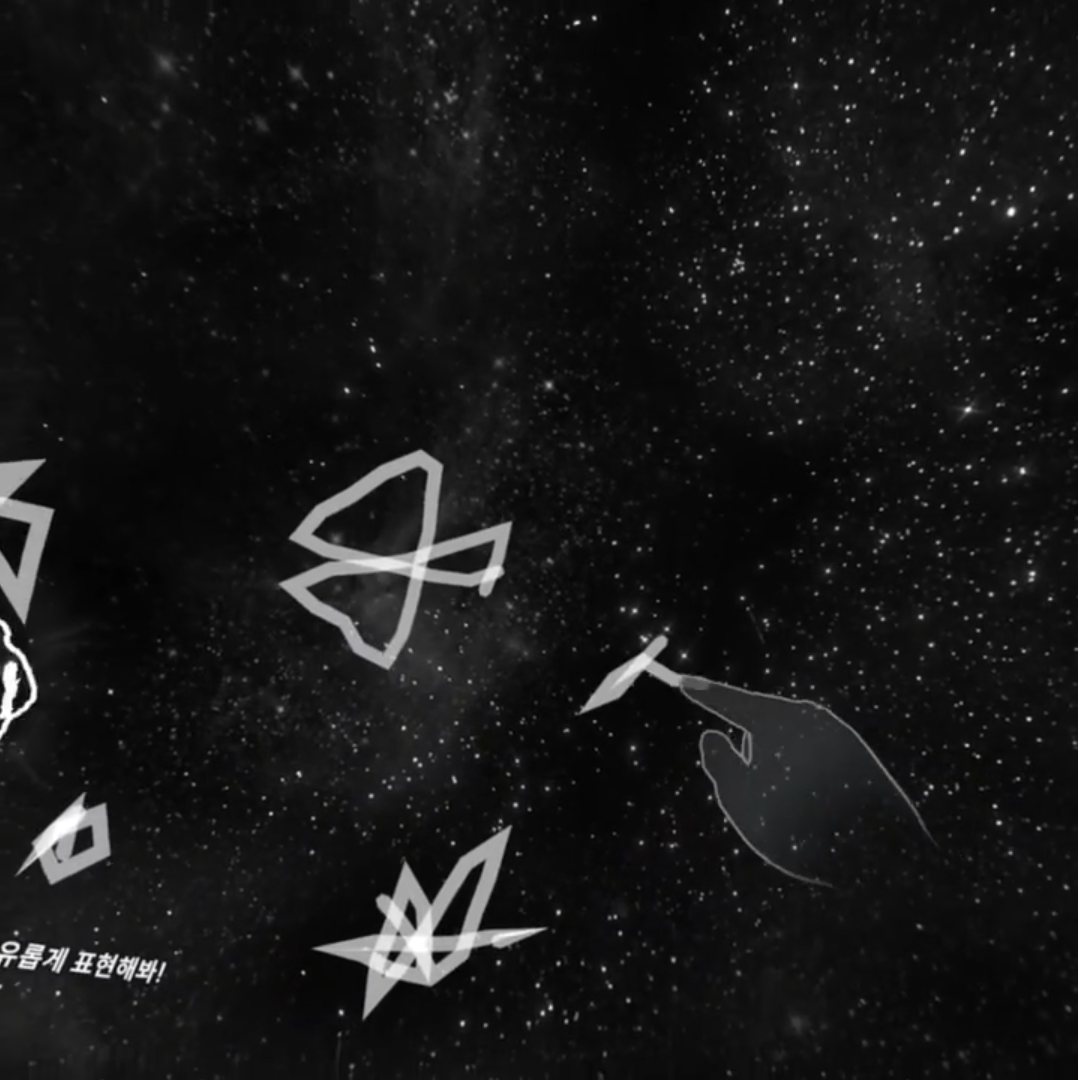
I connected visitor interviews, Whisper/GPT narrative generation, visual asset generation, and XR placement in the exhibition system. The project received an Official BIFAN XR Selection and the MSIT Minister's Citation.
Related case · NeostalgiaA live exhibition cannot keep visitors waiting and must never stop. Yet generative AI is slow, produces different results every time, and occasionally fails. Fitting "slow, uncertain generation" inside "uninterrupted exhibition operation" was the core challenge.
I set a response deadline for each stage and added pre-generated assets and a default narrative. If generation times out, the next stage uses those assets while the dashboard records progress and errors for the operator.
Collects memories, recollections, and places by voice.
Voice → text → narrative seed. Includes response-time checks and fallback.
Narrative seed → generates environment and object visual assets.
Generated content placed instantly, monitored live by operators.
- [★]MSIT Minister's Citation
- [★]Official BIFAN XR selection
- [x]Exhibition operation with more than 130 direct participants
The full cases behind the modules.
The projects where each module actually ran, and the demo videos, are on the case pages.