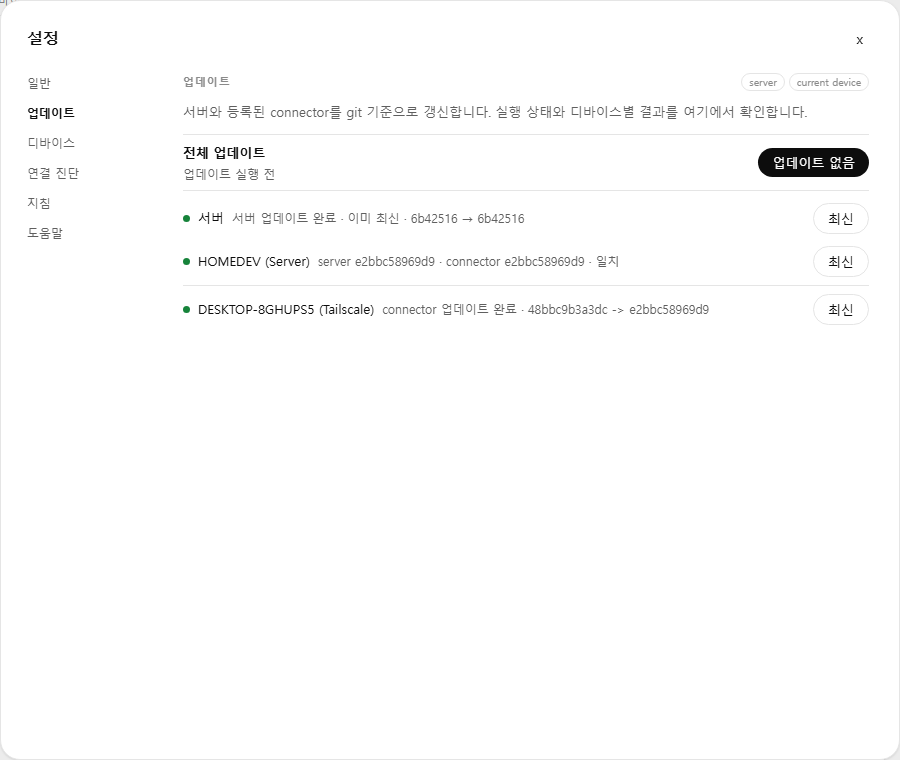
self-host control plane
DeskRelay
I control Claude Code sessions across my PCs from a browser or phone. Device registration, update checks, and diagnostics run from the UI, while each repo and token stays on its own PC.
read caseI build and run the browser and mobile interfaces, self-host servers, and agent runtimes behind these four projects.
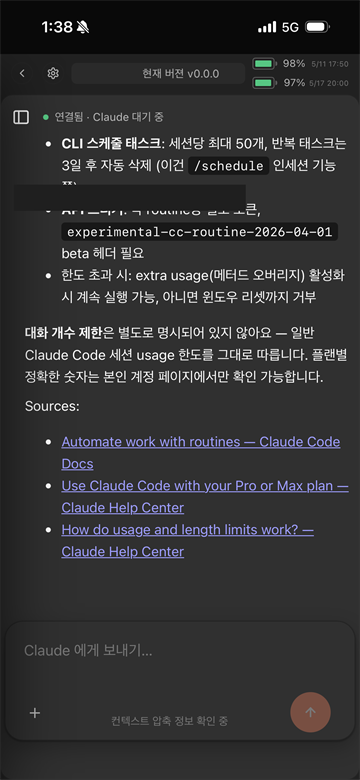
DeskRelay is the tool I use most often. I built it to manage Claude Code sessions across my PCs from a browser or phone, then kept adding role separation, project instructions, status boards, and recovery handling.
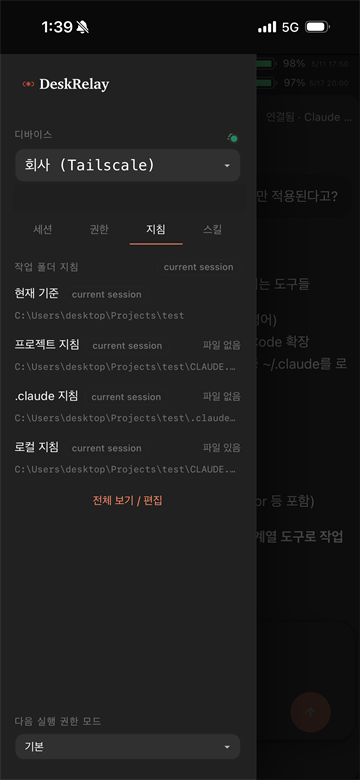
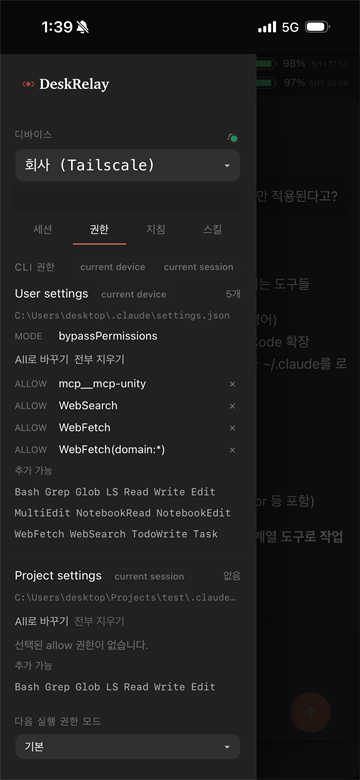
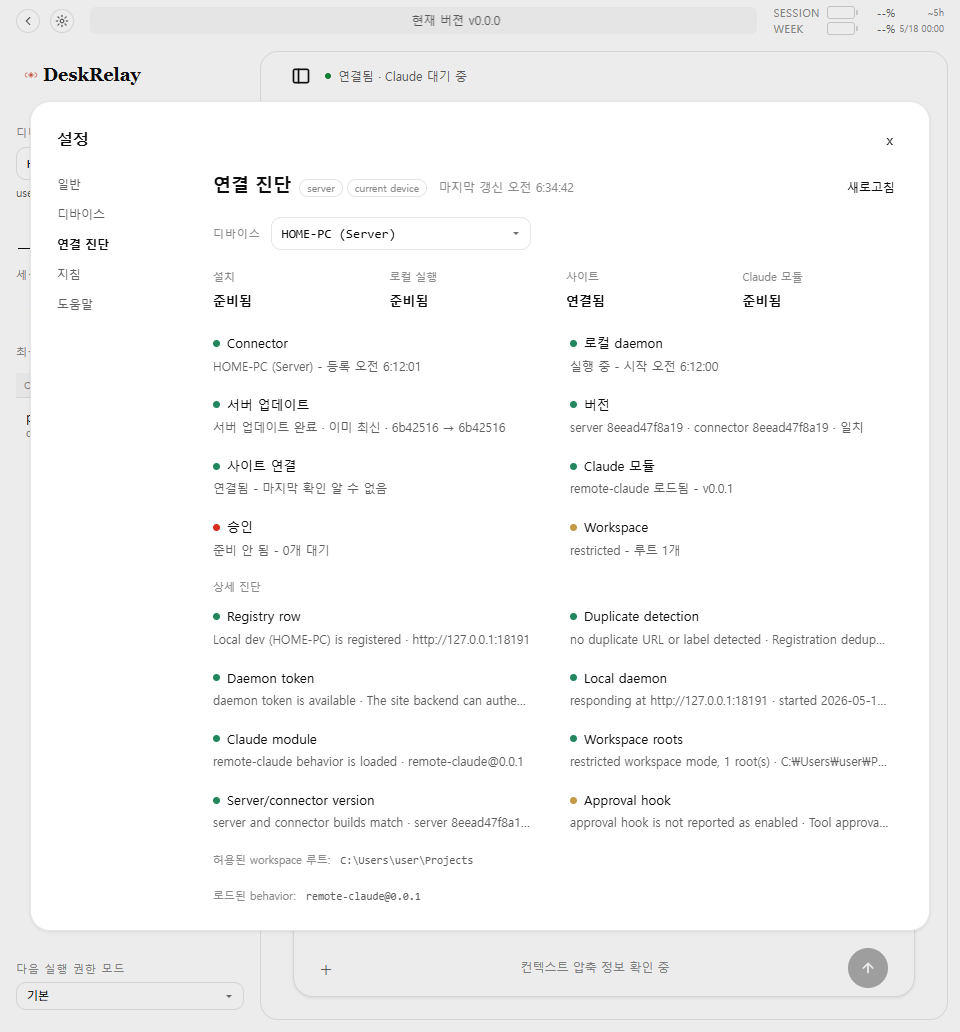
I control Claude Code sessions across my PCs from a browser or phone. Device registration, update checks, and diagnostics run from the UI, while each repo and token stays on its own PC.
read case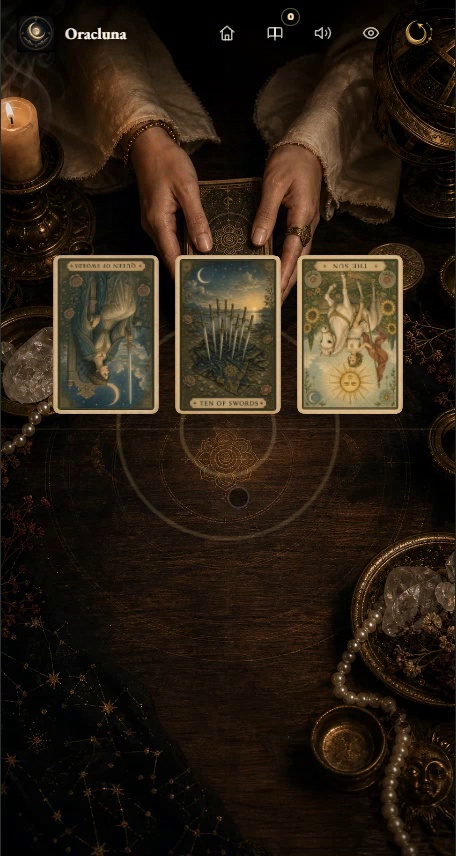
At oracluna.com, users choose a concern, shuffle and cut the deck, pick from a 78-card wheel, then save or share the reading.
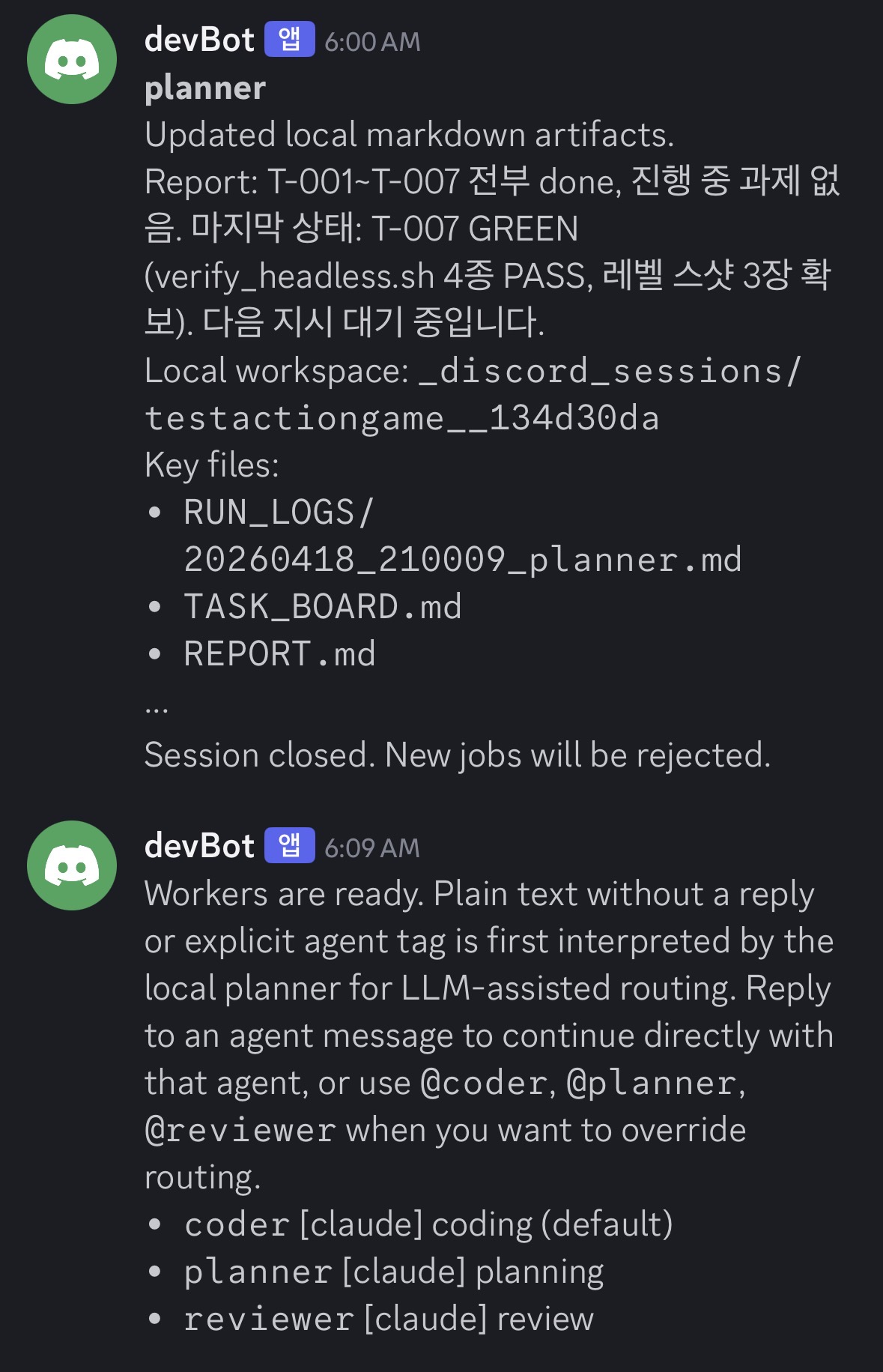
Orchestration stores task state, remote execution stores approvals and evidence, and chat stores general dialogue through the same kernel.
read case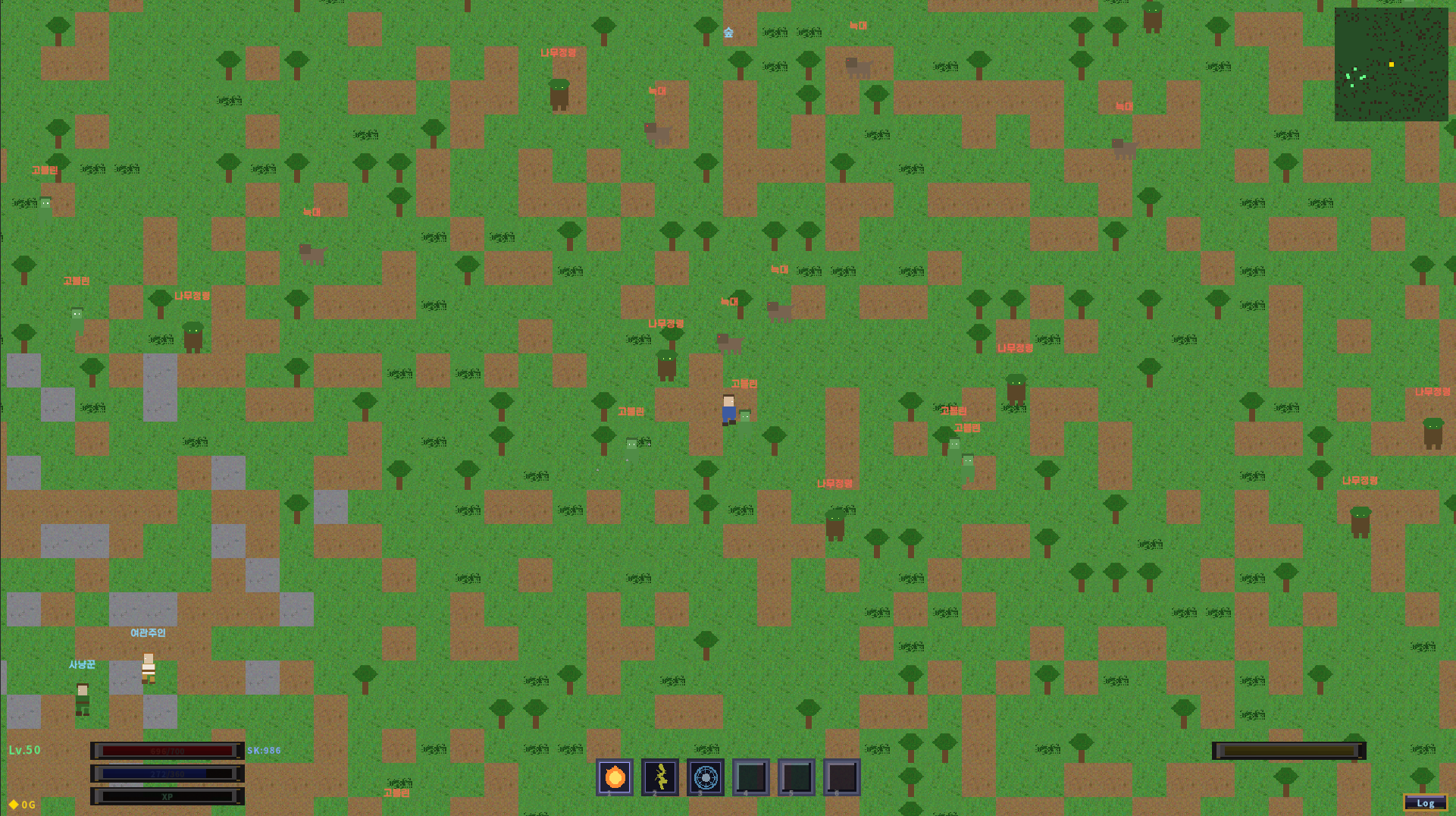
Local LLM experimentation for NPC dialogue, prompt scaffolding, memory rules, and fallback behavior inside an interactive Unity world.
read caseI separated the roles and permissions of managers, workers, reviewers, and operators.
I tested failures in setup, PC registration, network access, updates, and recovery.
I checked that error messages name the next action and that status and run controls remain visible on phones.
When the same error repeats, I check diagnostics, stored state, permissions, tests, and the install path.
I use the same checks from my robotics, BIM, and simulator work here: installation, logs, failure recovery, and whether the feature works in daily use.