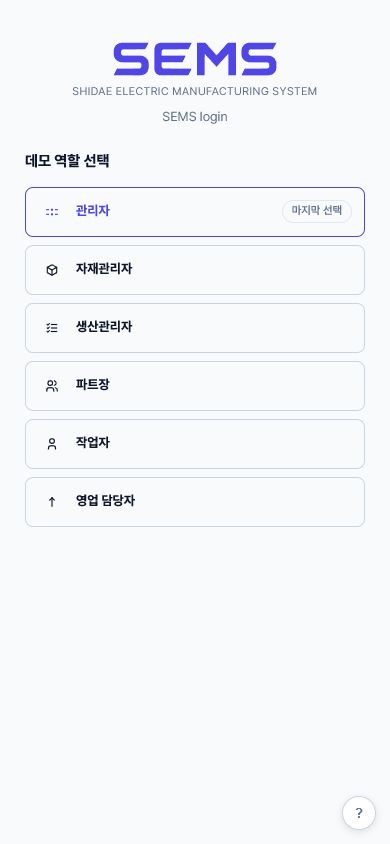
Role entry
Admin, material, production, part leader, worker, and sales each start from a different workbench.
mobile-first · role workflow · fastify/typescript · mysql
I built SEMS to move orders, BOM, materials, production, approvals, inventory, and shipping out of spreadsheets and chat. Each role opens a workbench with today's tasks first, and shop-floor users can finish them from a phone.
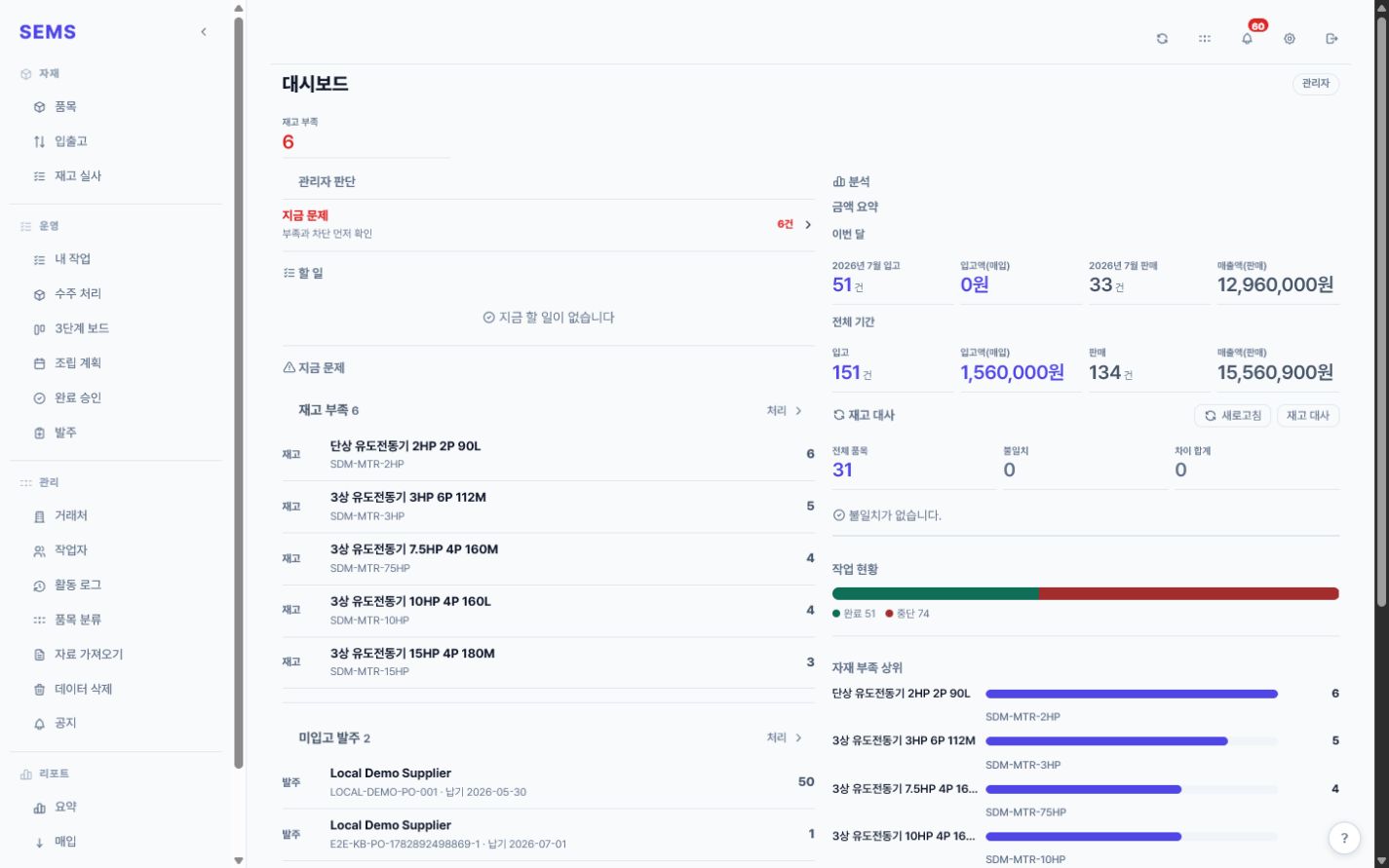
When sales orders, material stock, production progress, and approvals sit in separate documents and chat threads, teams spend time asking around just to find the current state.
In SEMS, an order moves through registration → BOM review → shortage calculation → picking, purchasing, and receiving → work orders and process tracking → completion request and approval → finished-goods stock → shipping. The server decides who handles the next step and which actions are allowed.
Admin, material, production, part leader, worker, and sales each start from a different workbench.
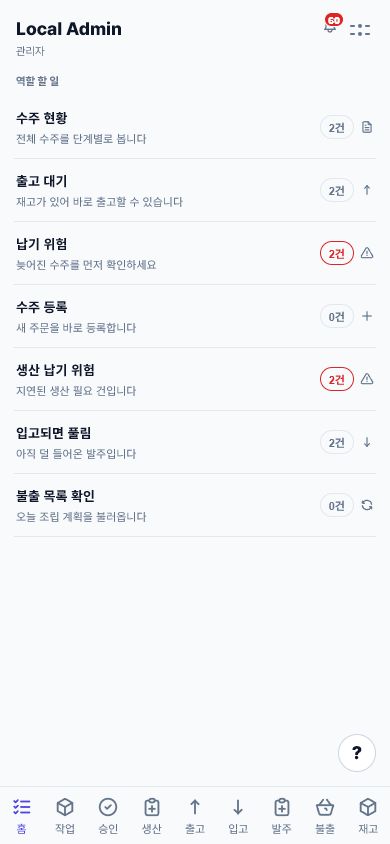
Orders, pending shipping, due-date risk, production risk, and unreceived purchases are grouped as decisions.
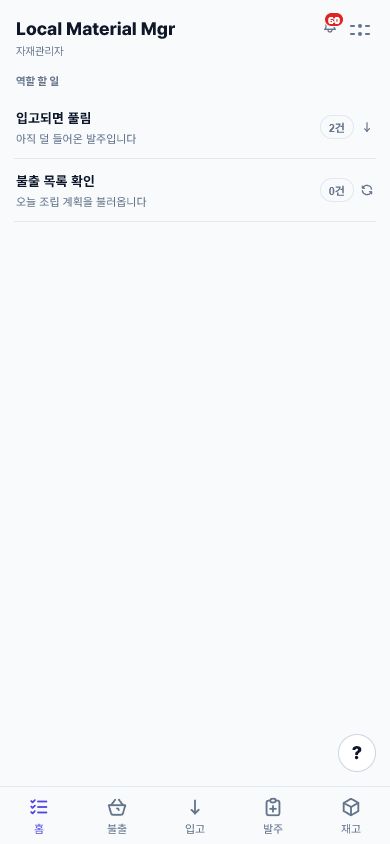
The material role sees pending receiving and picking work, not every ERP menu.
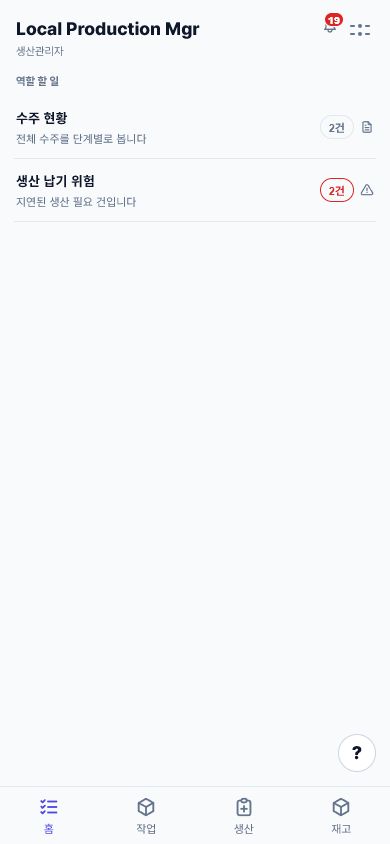
Production users start with order progress and production due-date risk, then move into work, production, and stock.
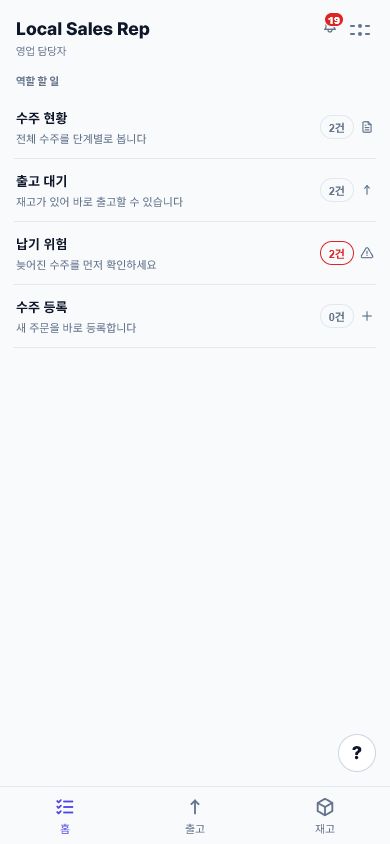
After entering an order, sales can check its production, stock, due-date risk, and shipping status from the same record.
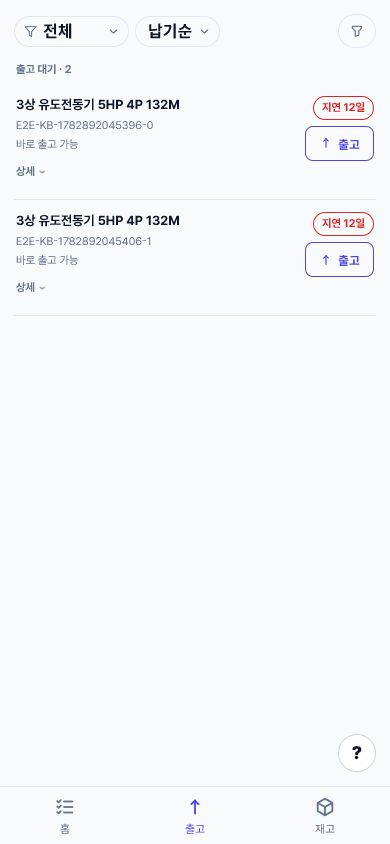
Users can see shippable orders, delay days, and the next shipping action directly in the list.
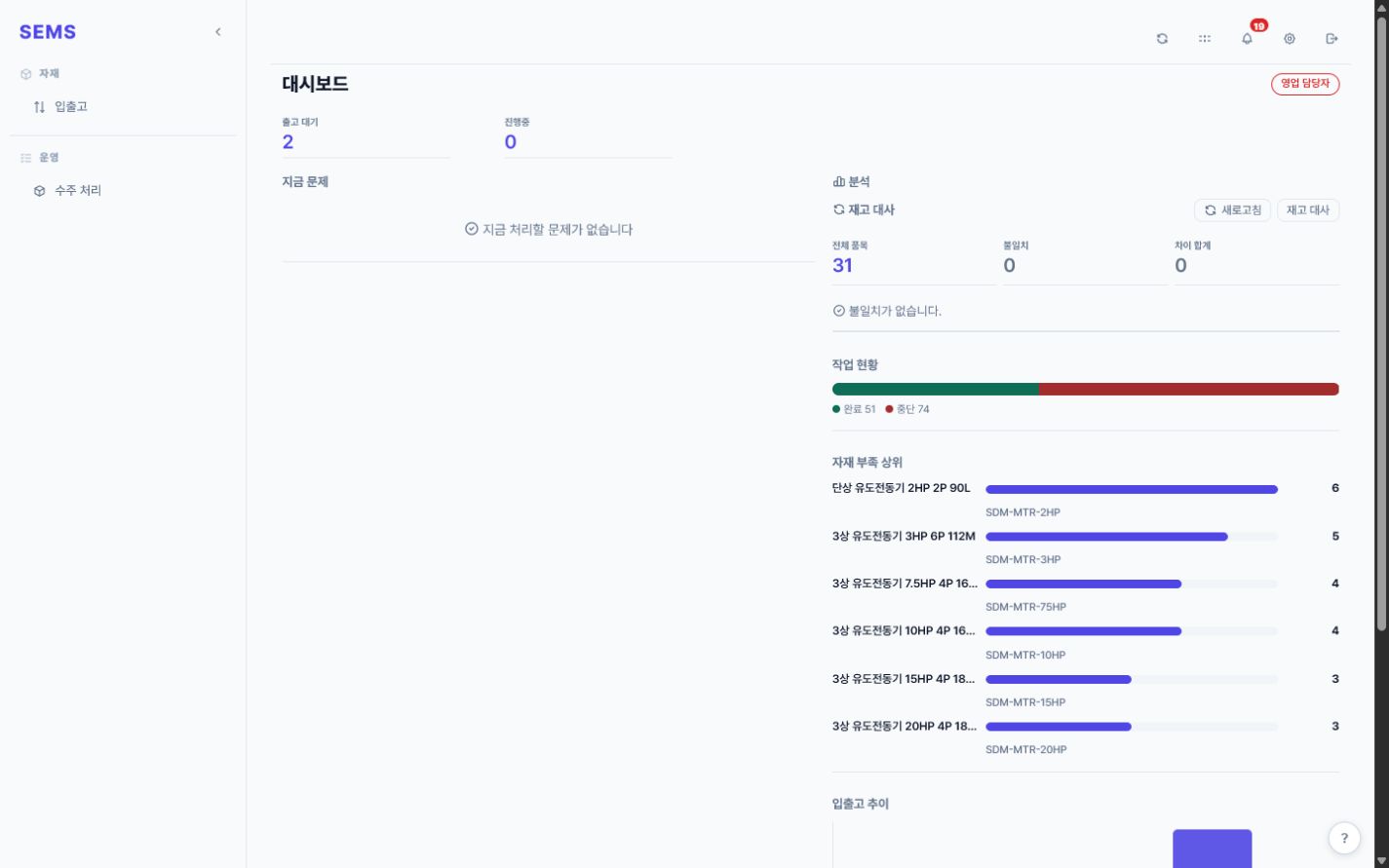
Mobile is for action; desktop is for shipping queues, stock reconciliation, work status, shortages, and inventory movement trends.
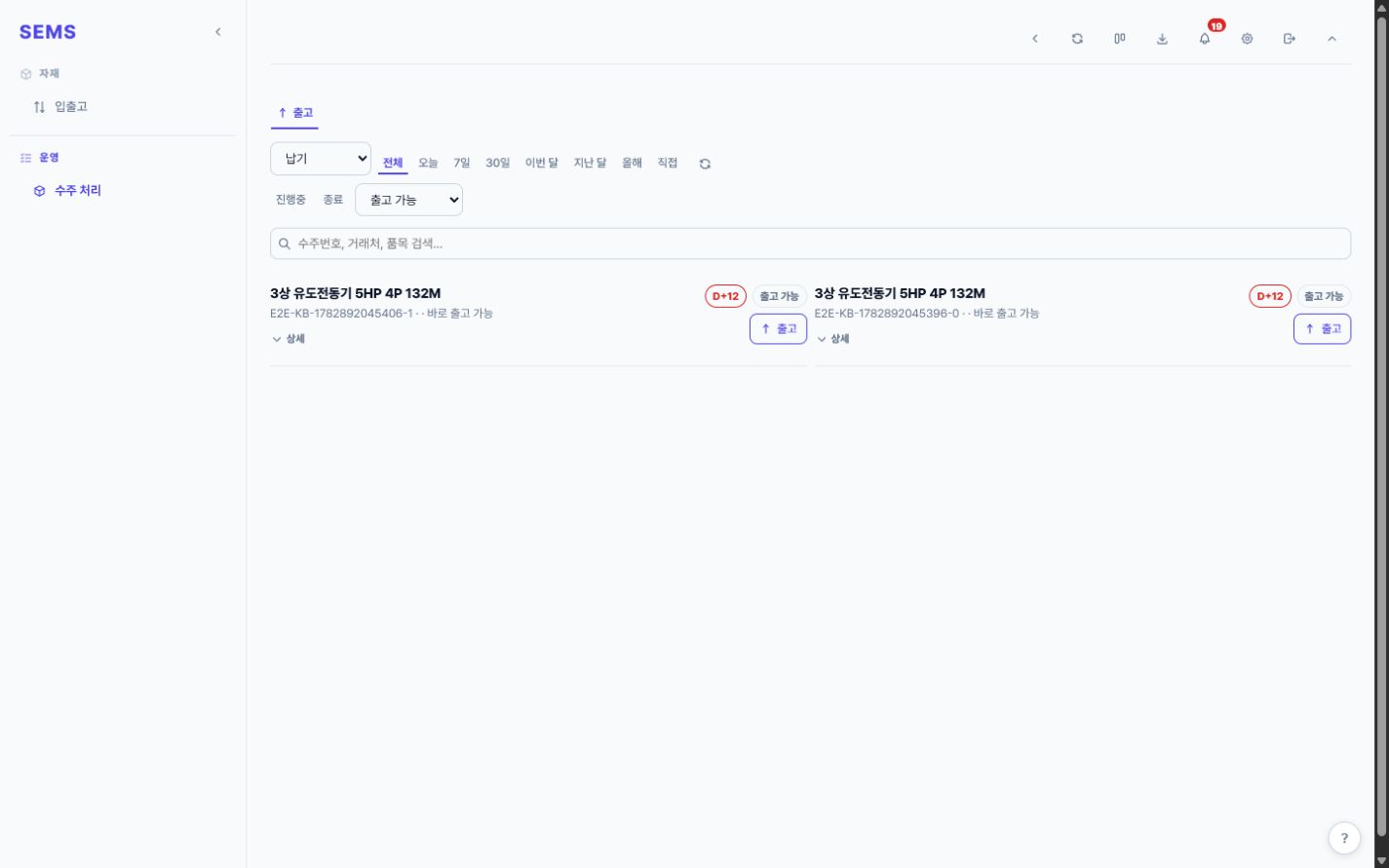
Date, status, shippability, and search filters narrow the order list before shipping work starts.
The app stays modular without adding build complexity, with touch-first mobile flows.
Business rules and runtime validation live behind route → service → database boundaries.
Inventory movement, cancellation, approval, and activity history are modeled as ledger-backed records.
Deployment covers Identity Platform auth, file storage, health checks, and DB smoke checks.
The server constrains actions by process order, approval state, material shortage, and downstream history.
Stock is explained through receiving, shipping, adjustment, and cancellation records instead of overwritten totals.
Domain, permission, order, picking, shipping, notification, and live MySQL migration checks covered the core flow.